PSD viewer
PSD viewer: preview a Photoshop file without Photoshop
A designer sent a .psd and you just need to see it? Drop it here. The PSD viewer shows the finished image and lists its layers, right in your browser, without Photoshop and without an upload.
No viewer on their side? Save it as an image above, then share it as a tracked link.
How to view a PSD file
See a Photoshop file in three steps
For checking a design, a mock-up or an asset before you use it.
-
Step 1
Choose the .psd
From a designer, a template site or your own archive.
-
Step 2
See the image and layers
The flattened image appears, with the layer names listed below it.
-
Step 3
Save a PNG
Keep a PNG copy to drop into a document, email or slide.
What a PSD file is
PSD, the Photoshop Document, is Adobe Photoshop's own format. It keeps everything needed to keep editing: every layer, mask, adjustment, text layer and effect. The Library of Congress keeps a record of the Photoshop file family. Because most of that only makes sense inside Photoshop, a PSD also normally stores a flattened copy of the whole picture, so other programs can show what it looks like.
What the viewer shows
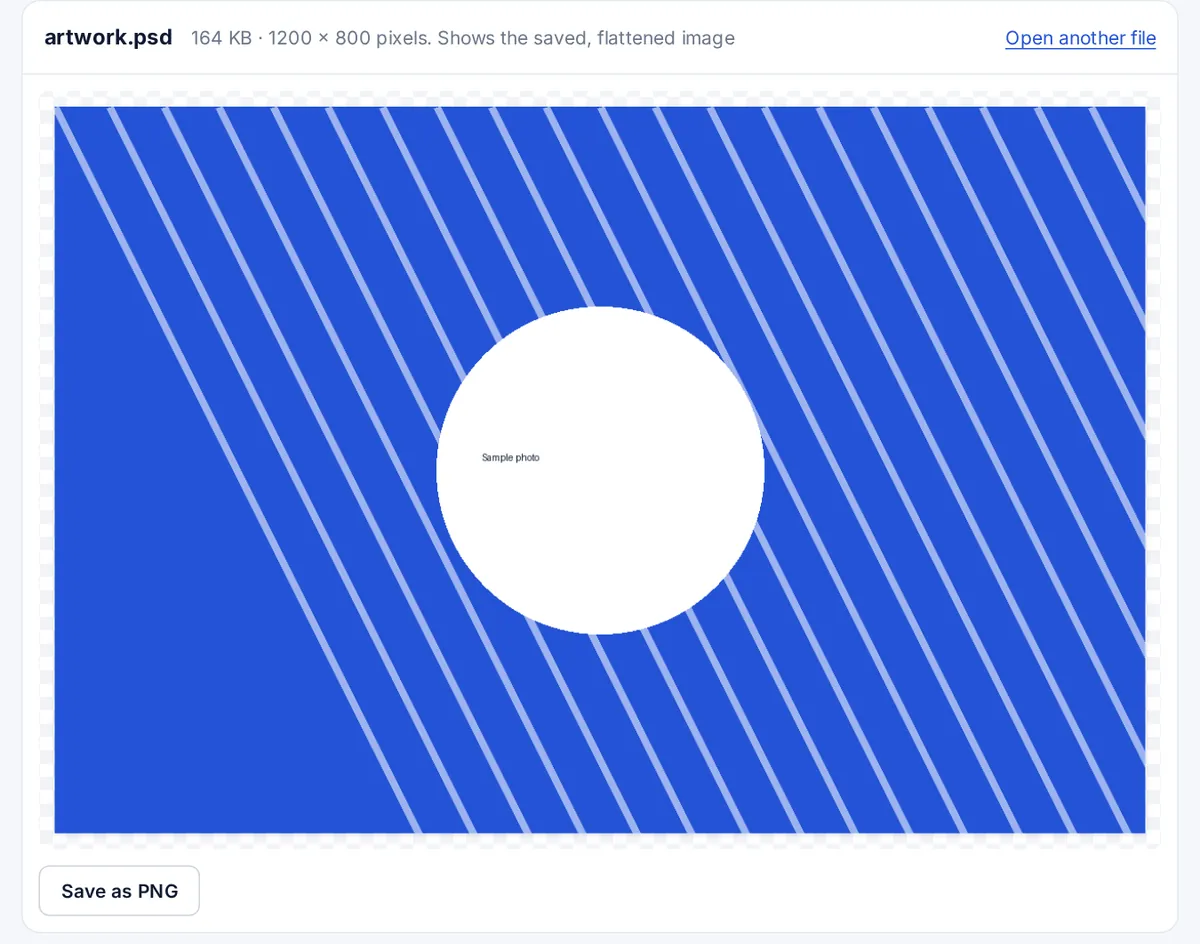
The viewer reads the file with the open-source ag-psd library and draws that flattened copy, the image as it looked when it was saved, along with its size and the names of its layers. It does not let you hide layers, edit text or apply effects. If a PSD was saved with Photoshop's Maximize Compatibility option switched off, there is no flattened copy, and the viewer says so instead of guessing.
Can you view a PSD without Photoshop?
- On a Mac: Preview and Quick Look show the flattened image.
- On Windows: the free GIMP editor opens PSD files with their layers, though advanced effects may differ.
- In a browser: this viewer, with nothing to install.
Converting PSD to JPG or PDF
Press Save as PNG here for a lossless copy of the image, and convert it to JPG in any image editor if you need a smaller file. Inside Photoshop, File, then Export, then Export As saves JPG or PNG, and Save a Copy can save a PDF. To send a design for feedback, a PNG or PDF opens on every device, while a PSD only opens for people with design software.
FAQ
PSD viewer questions
How can I view a PSD file?
Drop it on the box at the top of this page. The flattened image appears with its layer list, and nothing is uploaded.
Can I view a PSD file without Photoshop?
Yes. This viewer, Preview on a Mac and the free GIMP editor all open PSD files.
Can I convert a PSD file to JPEG?
Save it here as PNG and convert that to JPG in any image editor, or use Export As in Photoshop.
Is a PSD file editable?
Yes, in Photoshop and in editors that read layers, such as GIMP. This viewer only shows the file.
Why does my PSD not show an image?
It was probably saved with Maximize Compatibility switched off, so it has no flattened preview. Ask for the file to be saved again with that option on, or for a PNG export.
More viewers