Menu QR code
Menu QR code: your full menu on any phone
Upload your menu as a PDF or a photo, print the QR code on table tents, the door or takeout bags, and guests read it in their phone browser with nothing to install.
Swap the file anytime. The printed QR code keeps working.
Uploading. Keep this page open.
Where should the code go?
File uploaded. Enter your email to get your link.
Enter the code
Sent to . It expires in 10 minutes.
Your link is ready
Free: every feature on 3 links, including who opened it and time on each page.
Opening it from here does not count as an open.
See when it is seenYour private stats page. Keep it to yourself: anyone with it can see the stats.Both links are in your email too. Upgrade to Pro.
How to make a QR code menu
Menu on the table in three steps
Guests scan with the phone camera; the menu opens in the browser, sized to the screen.
-
Step 1
Upload the menu
A PDF from your designer, or clear photos of the printed pages.
-
Step 2
Print the code where guests wait
Table tents, the front window, the counter, receipts and takeout bags.
-
Step 3
Guests scan and read
The menu opens on any phone. Pages scroll and pinch to zoom like any web page.
PDF or photos?
A PDF exported from your design file stays sharp when guests zoom in on small print such as allergen notes. Photos are fine if that is what you have: shoot each page flat, in daylight, and upload them in order. Menus open view-only, so the page cannot be saved over or edited.
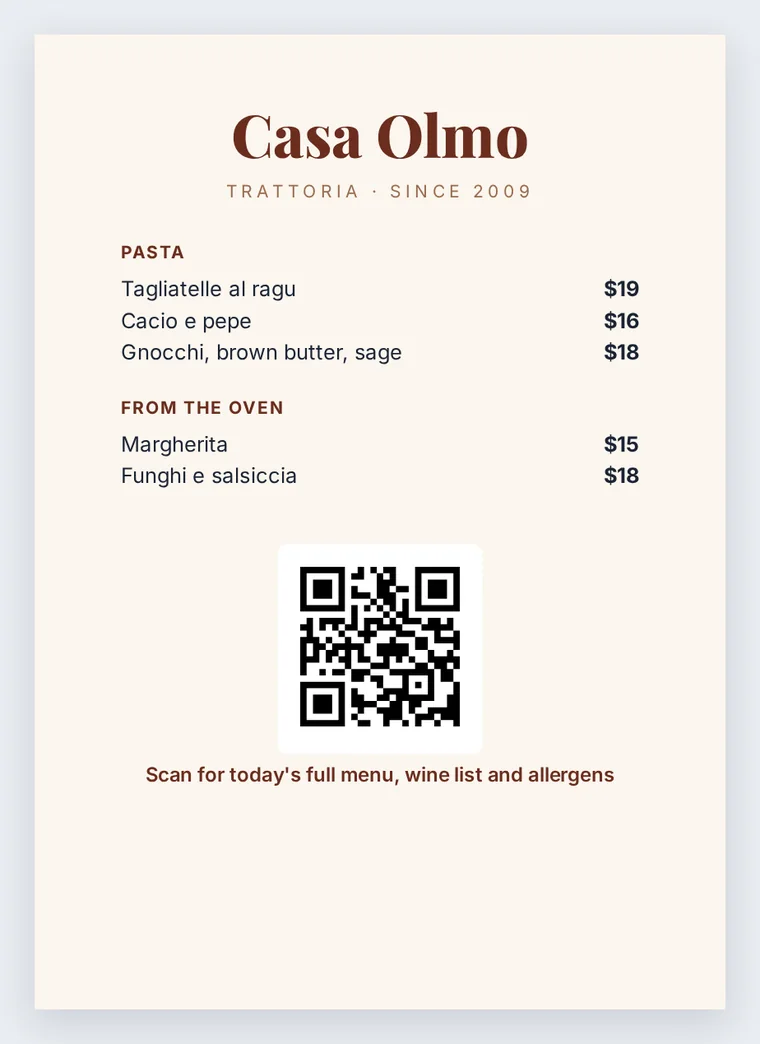
Where to put the code
- Table tents: about 3 to 4 cm (1.2 to 1.6 in) wide, at eye level when seated.
- The front window: larger, around 8 to 10 cm, so people deciding whether to come in can read the menu from the sidewalk.
- Takeout bags and receipts: the next order often starts from the bag on the kitchen counter.
Whatever the size, leave the clear border the format needs: four modules of empty space on every side, per Denso Wave, which invented the QR code. Keep a few printed menus for guests without a phone or with a flat battery.
When prices change
Replace the file at the same link, so every code already printed opens the new menu the moment you upload it. A new menu needs no new code.
Many places run separate links for lunch, dinner and drinks. The stats page for each one shows opens by day, which roughly tracks your busy days, and by country, which tells you how many visitors are tourists. Your own preview visits are never counted.
FAQ
Menu QR code questions
How do I make a digital menu with a QR code?
Upload the menu PDF or photos at the top of this page, confirm your email with the 6-digit code, and save the QR code PNG. Print it on table tents or stickers for the tables and the door.
How do I scan the QR code in a restaurant?
Open the phone camera and point it at the code on the table. Tap the link that appears and the menu opens in the browser. There is no app to download.
How do I view a QR code menu without an app?
Every current iPhone and Android phone reads QR codes in the built-in camera app. If a code will not scan, ask staff for a printed menu or type the link printed under the code.
Do guests need to download the menu?
No. It opens in the browser and stays there. Downloads are off unless you turn them on in the link's settings.
Can I have more than one menu?
Yes. Each menu is its own link with its own code. The free plan has 3 links; Pro has no limit.
More QR codes