PPTX viewer
PPTX viewer: flip through a PowerPoint deck in the browser
Drop a PowerPoint file here to see every slide, one after another. The PPTX viewer draws the deck in your browser, so a confidential pitch or report never leaves your device.
Sending it to someone? Share it as a tracked link.
How to open a PPTX without PowerPoint
View a slide deck in three steps
Useful when a deck arrives by email and the computer has no PowerPoint.
-
Step 1
Choose the .pptx
A deck from PowerPoint, or one exported from Google Slides or Keynote.
-
Step 2
Scroll the slides
Every slide is drawn in order at the deck's own shape, wide or 4:3.
-
Step 3
Share it if it is ready
Send the deck as a link and see which slides were read.
What a PPTX file is
PPTX is PowerPoint's file format since PowerPoint 2007, another Office Open XML zip of XML parts: one per slide, plus layouts, a master and the media. The Library of Congress keeps a format record for PPTX. Microsoft retired its free PowerPoint Viewer app in 2018, which is why so many people now look for a way to open a deck without buying Office.
What the viewer draws, honestly
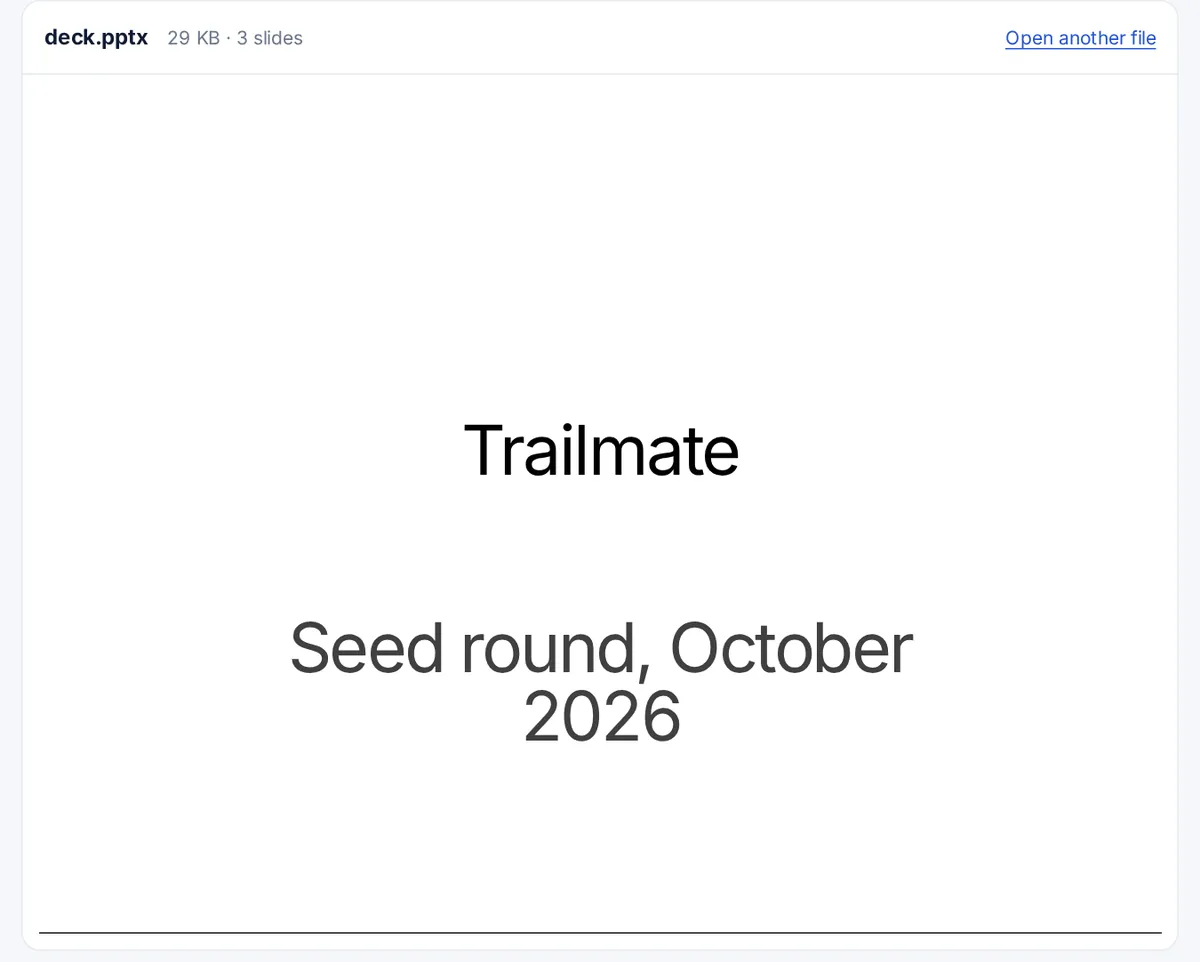
The slides are drawn by the open-source pptx-preview library: text boxes, titles, bullet points, pictures, shapes, tables and backgrounds from the slide master. A browser is not PowerPoint, so treat it as a reading view. Animations and transitions do not play, embedded videos and audio are not played, and some charts, SmartArt diagrams and special effects are simplified or missing. Fonts that are not on your device are replaced, which can change where lines wrap.
PPT files
The older .ppt format from PowerPoint 97 to 2003 is a binary file this viewer cannot read. Open it in PowerPoint, Google Slides or LibreOffice Impress and save it as .pptx first.
Other ways to open PowerPoint files
- Google Slides imports .pptx files and converts them.
- Keynote on a Mac opens them, and Quick Look shows a preview.
- LibreOffice Impress is free on Windows, Mac and Linux.
- As a PDF: if you are the one sending a deck, exporting it to PDF first means everyone sees exactly the same pages. A PDF link then shows you how long each page was read.
FAQ
PPTX viewer questions
How do I open a PPTX file without PowerPoint?
Drop it on this page to view the slides, or import it into Google Slides, Keynote or LibreOffice Impress to edit it.
Is there still a free PowerPoint viewer?
Microsoft stopped offering its PowerPoint Viewer app in 2018. Browser viewers such as this one, and the free apps listed on this page, have taken its place.
Why do my slides look different here?
Animations, videos, some charts and fonts that are not installed on your device are shown differently or not at all. The text and pictures on each slide are what this viewer is for.
Can I convert PPTX to PDF?
In PowerPoint, choose File, then Save As or Export, and pick PDF. Google Slides and Keynote can do the same. This viewer does not convert files.
Can it play the presentation full screen?
No. It shows the slides as a scrolling list for reading. Use PowerPoint, Keynote or Google Slides to present.
More viewers