DOCX viewer
DOCX viewer: read a Word document without Word
Got a .docx and no Word on this computer? Drop it here. The DOCX viewer lays out the document page by page, right in your browser, and the file never leaves your device.
Sending it to someone? Share it as a tracked link.
How to open a DOCX file online
Open a Word document in three steps
Works the same on Windows, Mac, Chromebook, Android and iPhone.
-
Step 1
Choose the .docx
Pick the file from your downloads or drop it on the box. It is read by this page, not sent anywhere.
-
Step 2
Read it page by page
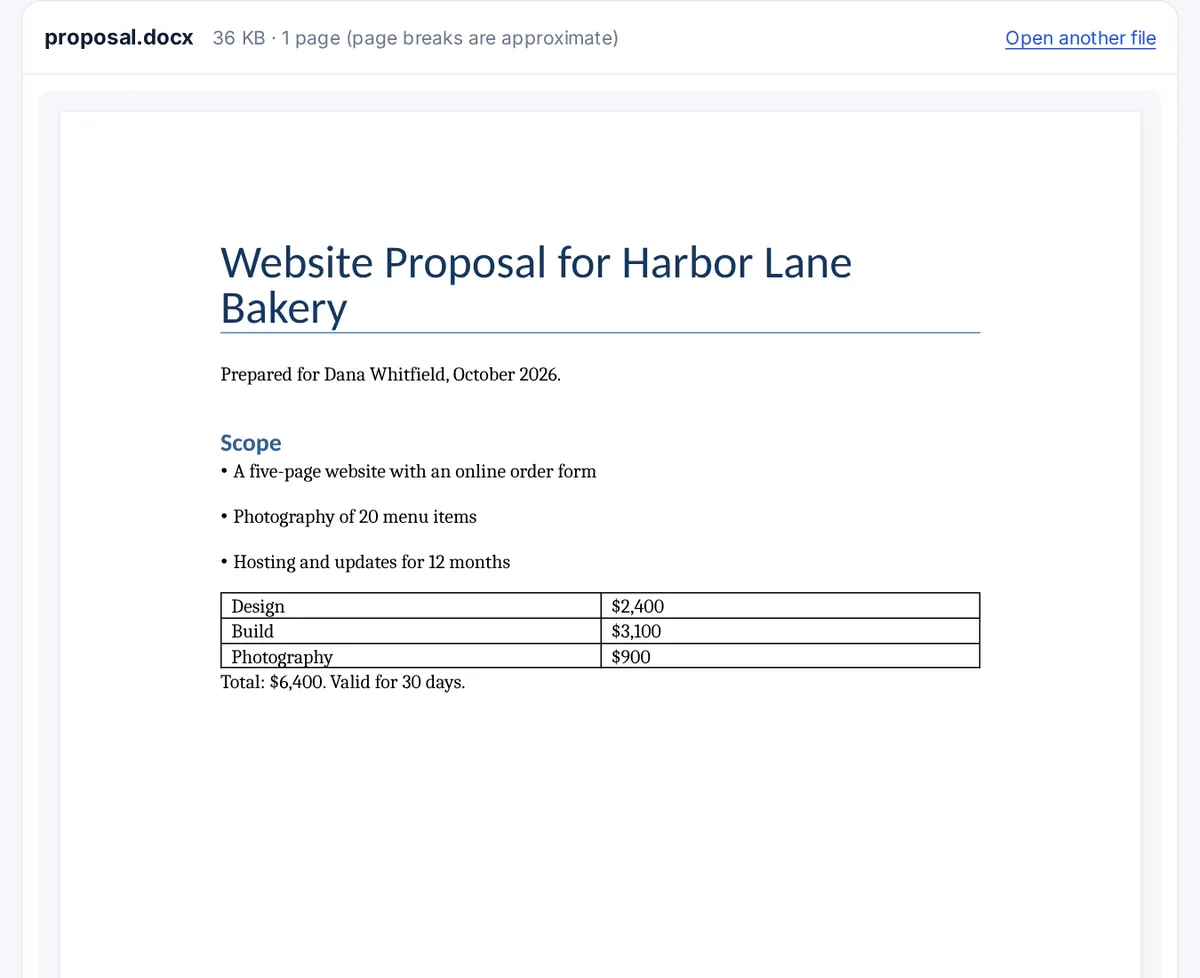
Headings, bold and italic text, bullet lists, tables, images, headers and footers are drawn in place.
-
Step 3
Open another, or send it on
Open the next document, or share this one as a link that tells you when it is read.
What a DOCX file is
DOCX is the format Microsoft Word has saved by default since Word 2007. Inside, a .docx is a zip archive of XML files: one for the text, others for styles, images, headers and comments. The format is an open standard, published as ECMA-376 and ISO/IEC 29500, which is why Google Docs, Pages and LibreOffice can all read it, and why a browser can too. The Library of Congress keeps a technical description of DOCX for long-term archiving.
What the viewer shows, and what it cannot
The viewer uses the open-source docx-preview library. It draws the text with its styles, numbered and bullet lists, tables, pictures, headers, footers and footnotes. Word decides page breaks while you type, using the fonts installed on that computer, so page breaks here are approximate. Tracked changes, comments in the margin, macros and embedded spreadsheets are not shown, and a font you do not have is replaced by a similar one.
DOC and DOCX are not the same
A .doc file is the older Word 97 to 2003 format, a single binary file rather than a zip of XML. The viewer cannot read it. Open it in Word, Google Docs or LibreOffice Writer and save it as .docx, then drop it here.
Other ways to open a DOCX without Word
- On a Mac: Pages opens .docx files, and Quick Look (select the file and press the space bar) shows a preview.
- On Windows: the free LibreOffice Writer opens and edits them. Some older Windows versions include WordPad, which shows the text with simple formatting.
- In a browser: uploading to Google Docs converts the file into a Google document. Chrome on its own does not display .docx files; it downloads them.
- On a phone: the Files app on iPhone previews them, and Android phones usually ask which app to use.
FAQ
DOCX viewer questions
What can I use to open a DOCX?
Microsoft Word, Google Docs, Pages on a Mac, LibreOffice Writer, or this DOCX viewer, which needs no install. For a quick read, a viewer is enough; to edit, use one of the word processors.
Why can't I open a DOCX file on my Mac?
A Mac without Word asks which app to use. Choose Pages, which reads .docx, or press the space bar on the file for a Quick Look preview. If the file still will not open, it may be damaged or not a real Word file; try it in this viewer for a second opinion.
Can Chrome read DOCX?
Not by itself: Chrome downloads a .docx instead of showing it. On this page, Chrome (or any modern browser) runs a viewer that reads the file, so it opens in the tab.
Why can't I open a .docx file?
The usual reasons are an old Word version from before 2007, a file that was cut short while downloading, or a file that is really something else with a .docx name. A password-protected document is encrypted and cannot be read without Word and the password.
How do I open a docx file in a browser?
Drop it on the box at the top of this page. The document appears below it, page by page, and nothing is uploaded.
Can I edit the document here?
No, the viewer only reads it. To change the text, open it in Word, Google Docs or LibreOffice Writer.
More viewers