Instructions QR code
Instructions QR code: the full guide, one scan away
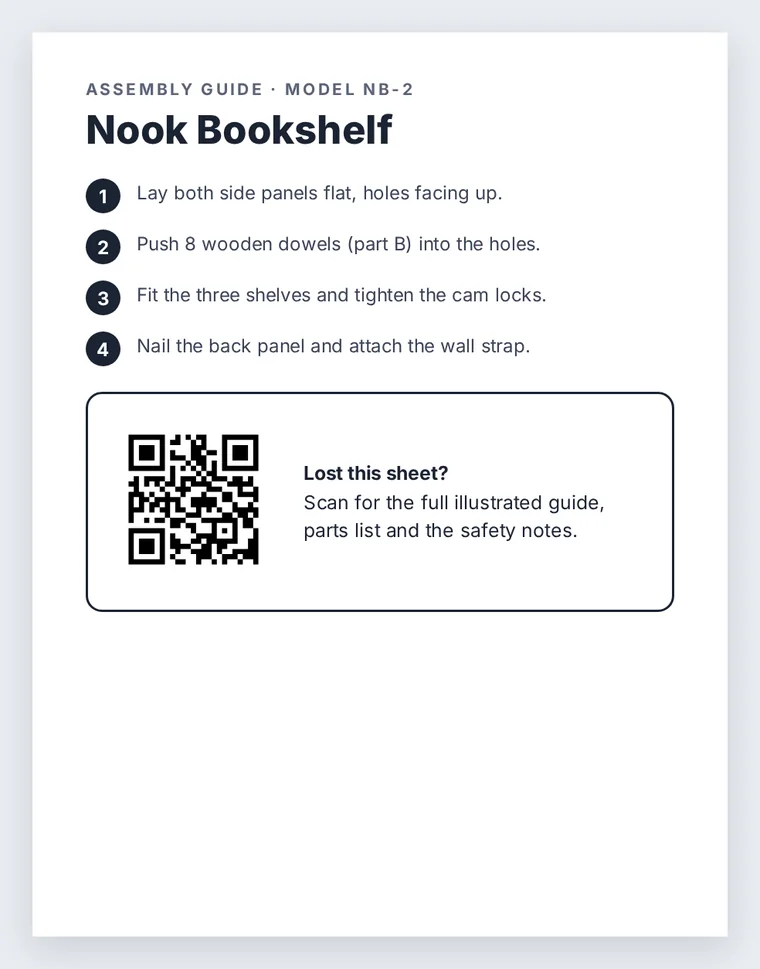
Stick a QR code on the product, the box or the wall next to the machine. It opens the full instructions, parts list and safety notes, even after the paper sheet is lost.
Swap the file anytime. The printed QR code keeps working.
Uploading. Keep this page open.
Where should the code go?
File uploaded. Enter your email to get your link.
Enter the code
Sent to . It expires in 10 minutes.
Your link is ready
Free: every feature on 3 links, including who opened it and time on each page.
Opening it from here does not count as an open.
See when it is seenYour private stats page. Keep it to yourself: anyone with it can see the stats.Both links are in your email too. Upgrade to Pro.
How to link instructions to a QR code
A manual that cannot get lost, in three steps
The code goes where the question comes up: on the thing itself.
-
Step 1
Upload the guide
The full manual, the illustrated assembly steps, the parts list or a one-page how-to.
-
Step 2
Label the product or the spot
On the box, inside a cabinet door, on the side of the machine, or on the wall beside it.
-
Step 3
Anyone can open it
The guide opens in the phone browser, page by page, with nothing to install.
Where instruction codes save time
- Products you sell: a code on the box or the item itself, so the manual is there when the paper copy is gone.
- Rental homes: a code by the thermostat, the washer or the hot tub that opens the house guide.
- Shared equipment: the office printer, the gym machine or the lab instrument, each with its own how-to sheet.
- Workplaces: safety steps for a machine, posted right next to it.
Labels that last
Codes on products get scratched, wet and handled. Laminate the label or use a vinyl sticker, keep a clear white margin around the code, and place it where it is not rubbed every day. QR codes have error correction built in, so light wear still scans, but a peeled corner may not.
When the manual changes
Replace the file at the same link, so every label already on a product opens the revised manual. No new code is needed.
Leave instruction links without an expiry date: a product can sit in a garage for years before someone needs the guide. The stats page shows how often the guide is opened, which hints at which step confuses people.
FAQ
Instructions QR code questions
Can a QR code expire?
The printed code itself never changes. It stops working only if the link behind it is deleted or reaches an expiry date you set. For instructions, leave the expiry off.
What are QR codes used for?
Opening a web page or file from something printed: menus, tickets, product manuals, payments and signs. For instructions, they replace the paper sheet that always goes missing.
How do you open a QR code?
Point the phone camera at it and tap the link that appears. If the camera does not react, print the short link under the code so people can type it.
Can I put a QR code on the product itself?
Yes. A small vinyl or laminated label works on most surfaces. Keep it at least 2 cm (0.8 in) wide and away from spots that get rubbed.
Can I see how often the instructions are used?
Yes. Each link counts its opens by day and by country, and shows the total reading time, without identifying who opened it.
More QR codes