Compress PDF
Compress a PDF to fit an upload limit
Choose a PDF and the size it has to fit under. The PDF is made smaller on your device, and you see the size before and after. If it cannot get smaller, the tool tells you.
How to reduce PDF file size
A smaller PDF in three steps
Best results on scanned documents and PDFs full of photos.
-
Step 1
Choose the PDF
It is opened in this page, not uploaded.
-
Step 2
Pick a target size
The limit you have to meet, such as 10 MB for a portal or 2 MB for a form.
-
Step 3
Download the smaller copy
With the size before and after. Your original file is not changed.
How this compression works, honestly
Every page is drawn as an image and saved again with JPG compression, at a resolution low enough to meet your target and high enough to read. If a target is set, the tool starts at 150 dots per inch and steps down until the PDF fits, and stops there. That method suits some PDFs very well and others not at all:
| Kind of PDF | Result |
|---|---|
| Scans and photos of paper | Usually much smaller. These files are already images, often saved at high resolution. |
| Slides and brochures full of pictures | Usually smaller. |
| Text documents exported from Word or Google Docs | Often not smaller, because text is already compact. The tool then keeps the original and says so. |
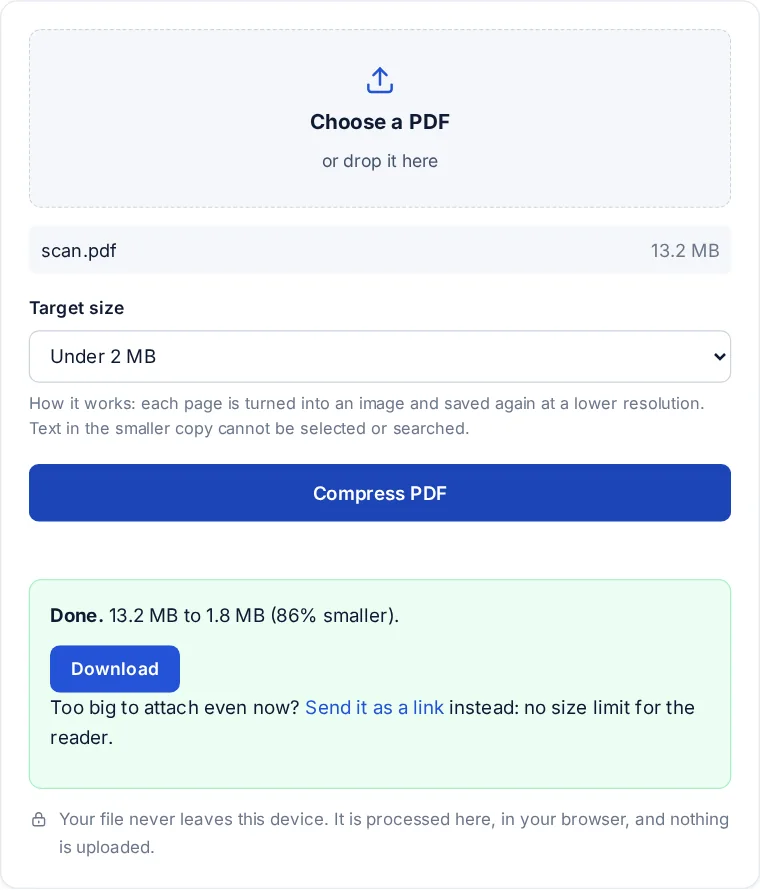
The trade-off: in the compressed copy, text cannot be selected, searched or read aloud by a screen reader, because each page is now a picture. Keep the original for anything that needs that, and use the smaller copy only where the size limit applies.
Common limits worth knowing
- Email: Gmail allows attachments up to 25 MB, and other providers are similar or lower. A PDF just under the limit can still bounce, so aim a little below it.
- School portals: each school sets its own maximum upload size, so check the assignment page and pick the next target down.
- Government and job forms: often 1 or 2 MB per document, and sometimes as little as 200 KB.
When compressing is the wrong fix
If the PDF is for a person rather than a form, sending it as a link avoids the limit altogether: the reader opens it in the browser at full quality, and you can see when it was opened. PDF to link takes files up to 95 MB.
FAQ
Compress PDF questions
How to manually reduce PDF size?
Remove pages you do not need, scan at 150 dots per inch instead of 300 or more, and save photos at a lower resolution before putting them in the document. Or let this page do it by picking a target size.
Can ChatGPT compress a PDF?
A chat reply cannot shrink the file on your computer; that takes a tool that rewrites the PDF. This page does it on your device, without sending the PDF to any service.
How can I resize a PDF file to 200KB online?
Choose Under 200 KB as the target. A one or two page scan usually fits. A long document may not, and the tool says so; then split it or remove pages.
How do I reduce the MB size of a file?
For a PDF, compress it here. For photos, convert them with photos to PDF and set a size limit. For any file type, a zip saves little, because most files are already compressed.
Why did my PDF not get smaller?
It is probably mostly text, which is already compact. Turning text pages into images would make them bigger, so the tool keeps your original and tells you.
More from FileSeen