Guide
How to upload documents to HealthCare.gov from your phone
HealthCare.gov takes PDF, JPG or PNG up to 10MB. iPhone photos (HEIC) are not accepted. Fix them in a minute.
Fix it in a minute
Get your document ready
All three tools run in your browser. Nothing is uploaded to FileSeen.
-
Step 1
HEIC to JPG
Turn iPhone photos into JPG with HEIC to JPG.
-
Step 2
One PDF
Put all pages in one file with Photos to PDF. Pick “Under 10 MB”.
-
Step 3
Under 10MB
Still too big? Shrink it with Compress PDF.
What HealthCare.gov accepts
| Rule | HealthCare.gov | iPhone photo |
|---|---|---|
| Format | PDF, JPG, PNG, GIF, TIFF, BMP, XML | HEIC: not accepted |
| Size | 10MB per file | Multi-page scans can go over |
| File name | No / \ : * ? " | | “W-2: 2026?” fails |
Source: HealthCare.gov, Uploading documents, checked 30 Oct 2026.
Before and after
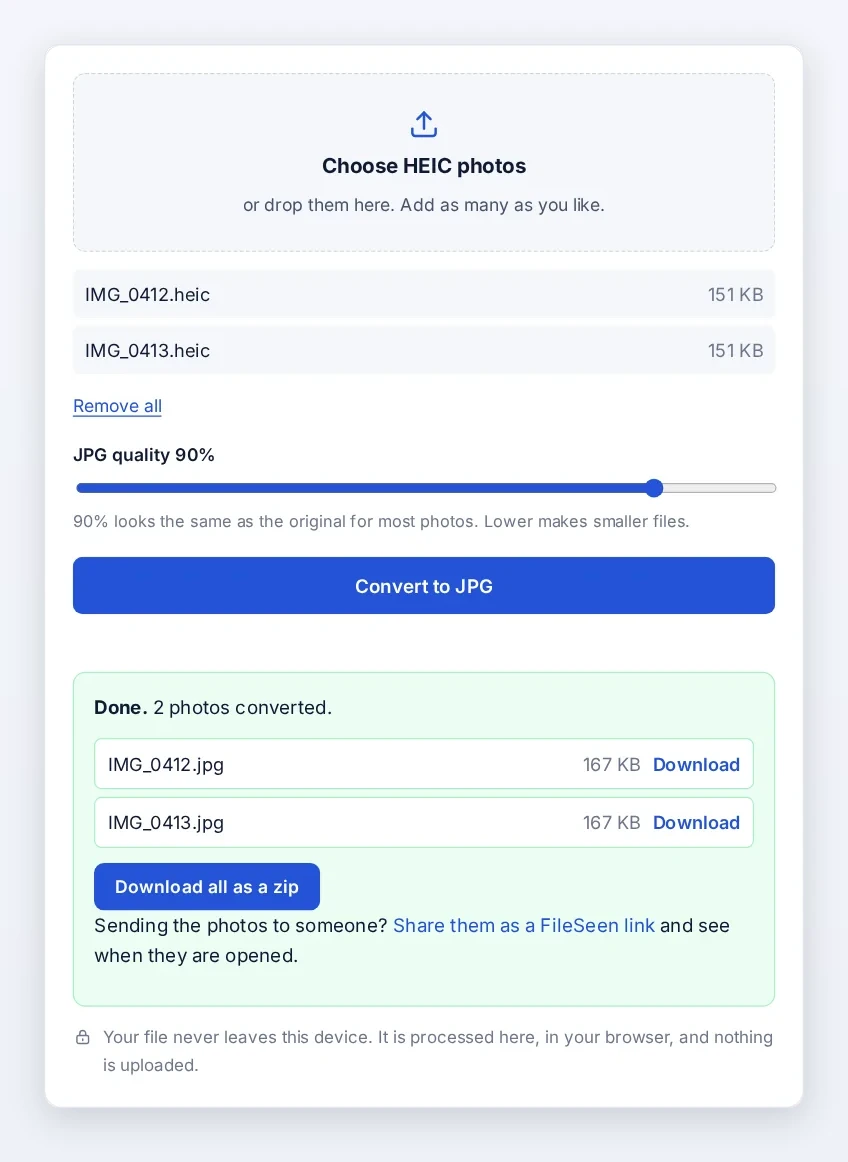
Two iPhone photos in, two JPG files out, ready to upload.
Before you press Upload
Plain file name
Letters, numbers and spaces only. For example “Pay stub October 2026.pdf”.
Readable pages
Names, amounts and dates clear. No fingers or shadows.
Before your deadline
Late documents can cost you coverage or financial help.
Open Enrollment for 2027 coverage
| 1 Nov 2026 | Open Enrollment starts |
| 15 Dec 2026 | Last day for coverage from 1 January |
| 15 Jan 2027 | Open Enrollment ends |
Source: HealthCare.gov, dates and deadlines, checked 30 Oct 2026.
FAQ
HealthCare.gov upload questions
Can I upload an iPhone photo to HealthCare.gov?
Yes, as a JPG or PDF. HEIC is not accepted, so convert it with HEIC to JPG. To shoot JPG from now on: Settings, Camera, Formats, Most Compatible (Apple).
What is the HealthCare.gov file size limit?
10MB per file.
Why does my upload fail?
Usually the format (HEIC), the size (over 10MB) or a special character in the file name.
Are my documents uploaded to FileSeen?
No. These tools run in your browser. The file stays on your device.