Vector PDF to CAD
Convert PDF to DXF
Turn the lines, curves and text of a vector PDF into a DXF drawing for AutoCAD or any CAD app. The file stays on your device.
How it works
How to convert PDF to DXF
No CAD software needed for the conversion.
-
Step 1
Choose the PDF
A drawing exported from CAD, or any PDF made of lines.
-
Step 2
Set units and scale
Millimetres, inches or points, and the drawing scale.
-
Step 3
Download the DXF
Check the preview, then open the DXF in your CAD app.
What goes into the DXF
Everything the PDF draws as vectors.
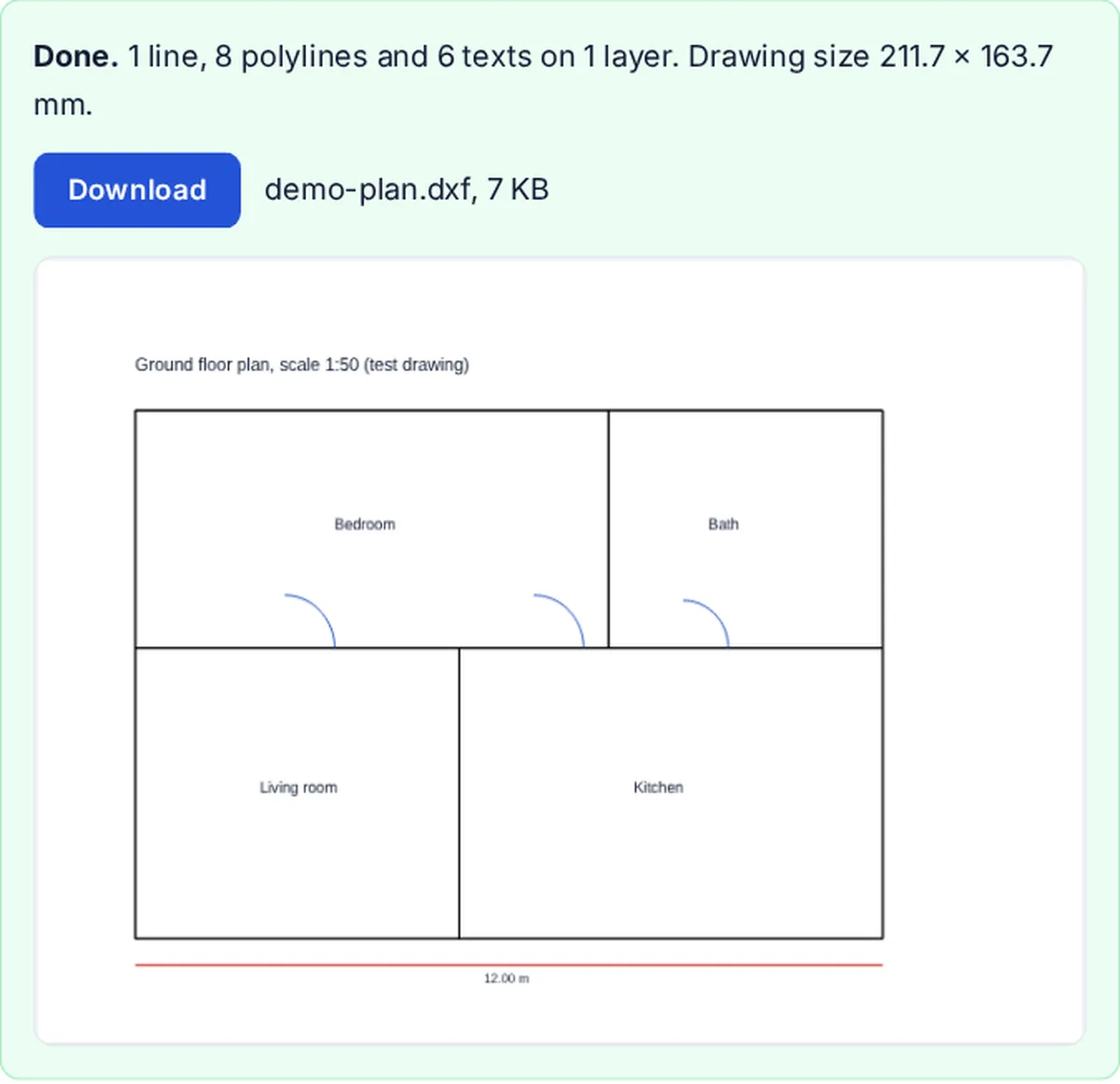
- LinesStraight lines and outlines, as LINE and POLYLINE.
- CurvesArcs, circles and curves, as short straight segments.
- TextAs TEXT at its place and size, in the CAD app's own font.
- LayersOne per page, or one per colour.
Vector PDF or scan?
A PDF exported from CAD or drawing software holds real lines, and those convert. A scanned plan is a picture of lines. It needs vectorizing (tracing), which this tool does not do, and the page tells you when that is the case.
Scale and units
PDF measures in points (1/72 inch). The DXF is written in millimetres, inches or points. For a plan printed at 1:50, enter 50 as the scale to get real-world sizes.
FAQ
Common questions
How do I convert a PDF to DXF?
Choose the PDF at the top of this page, set the units and scale, and press Convert to DXF. Then download the .dxf file.
Can I convert a PDF to DWG?
Not directly: DWG is AutoCAD's closed format. Convert to DXF here, open it in AutoCAD or another CAD app, and save it as DWG there.
Does it work with scanned drawings?
No. A scan has no lines, only pixels. The tool says so when a page is only a picture. Tracing a scan into lines is a different job.
Which CAD apps open the DXF?
The file is DXF R12, an older version that almost every CAD program reads. AutoCAD, DraftSight, LibreCAD, QCAD, FreeCAD, Inkscape and laser-cutter software open it.
Is my PDF uploaded?
No. The PDF is read and the DXF is written inside your browser tab.
Are curves kept as arcs?
Curves become many short straight segments that follow the curve closely. Most CAD and laser tools handle them well.
Related tools