Solutions
Send documents as links, whatever your work
Proposals, pitch decks, listings, resumes, tax returns, grant proposals. Pick your work to see which documents people send with FileSeen and how.
What every solution has in common
Whatever the document, the steps are the same. Upload it once, send the link instead of an attachment, and the reader opens it in the browser on any phone or computer, with no account and nothing to install.
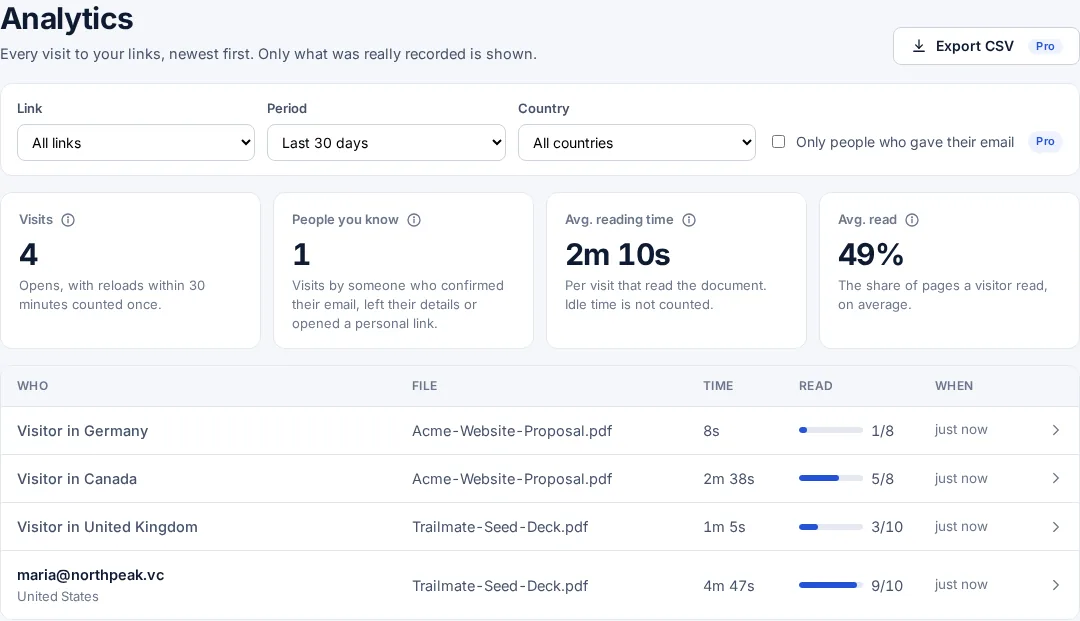
Each link has its own stats page: when it was opened, by whom if the reader confirmed an email, which pages were read and for how long. A password, an expiry date, view-only and an email watermark keep it in your control after it is sent.
The free plan has every feature on 3 links, with no time limit, so any of these ways of working can be tried with real documents first.
Looking for a tool?
Every free tool, from PDF to link to password-protect PDF, is on the tools page.