For recruiters
Send resumes and candidate documents as links. Know when they are opened.
Resumes, candidate profiles, shortlists, job descriptions: send any of them as one link. You get an email when the hiring manager opens it.
- Send it as a linkNo attachment. It opens on any phone or laptop.
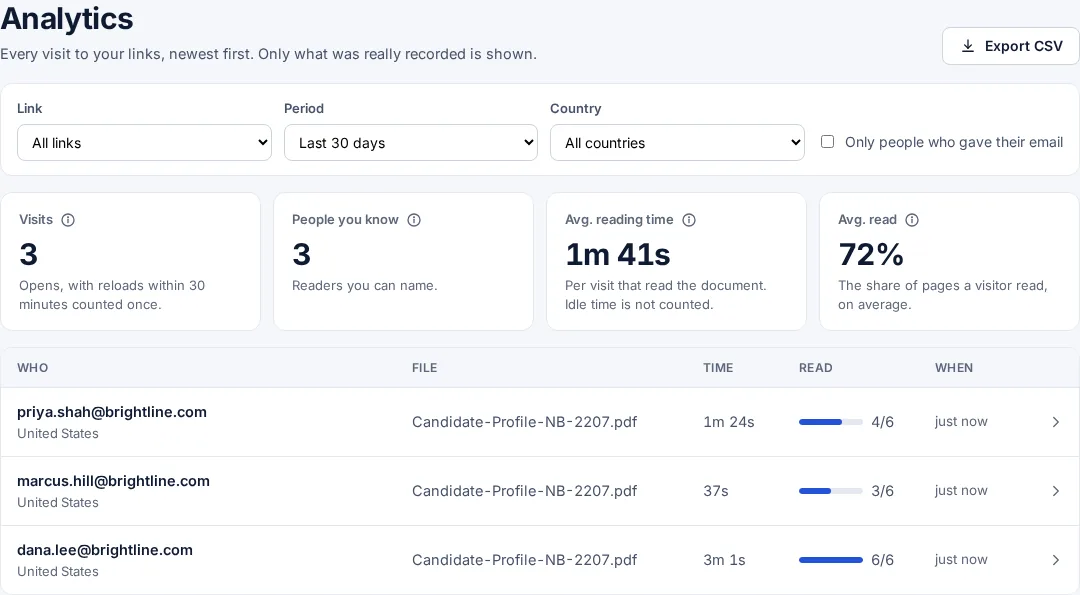
- See who opened itEach hiring manager gets their own link, so every open has a name.
- See what they readWhich pages, and for how long. Chase the right person.
Uploading. Keep this page open.
Where should the code go?
File uploaded. Enter your email to get your link.
Enter the code
Sent to . It expires in 10 minutes.
Your link is ready
Free: every feature on 3 links, including who opened it and time on each page.
Opening it from here does not count as an open.
See when it is seenYour private stats page. Keep it to yourself: anyone with it can see the stats.Both links are in your email too. Upgrade to Pro.
FileSeen lets recruiters send any document as a link: resumes, candidate profiles, shortlists and job descriptions. Each hiring manager can get their own link, and you get an email when they open it and see which pages they read.
A candidate submission should not vanish into an inbox
You send three profiles to a hiring team and hear nothing for a week. Was it read? By whom?
- Send the profile as a link: it opens in the browser, with no download.
- Give each hiring manager their own link, so every open is named.
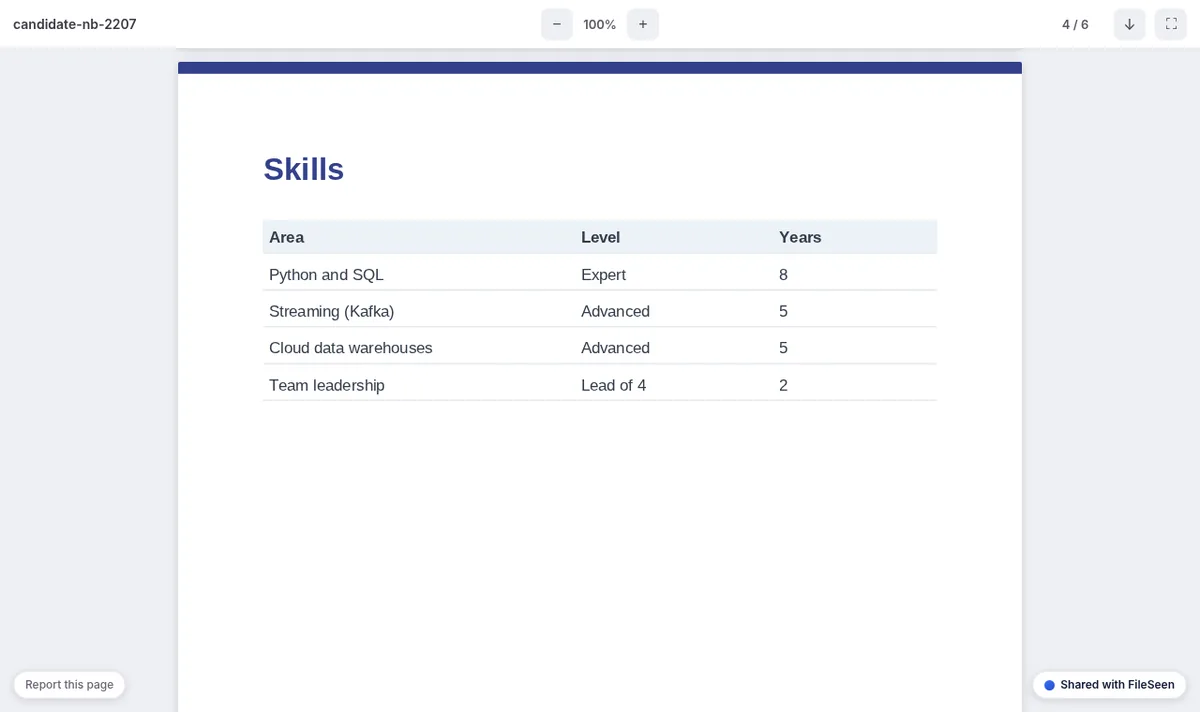
- See the time spent on the experience page and the salary page.
- Chase the manager who has not opened it, not the whole team.
How recruiters use FileSeen
From candidate submission to interview
One profile, a link for each person who should read it.
-
Step 1
Upload the profile
The candidate pack as a PDF or Word file. Need a blind profile? Remove names and contact details with the redact PDF tool first.
-
Step 2
One link per hiring manager
On Pro, paste the managers' emails and get one link per person. On the free plan, use the email check or personal links from your mail merge.
-
Step 3
Get the open alert
An email when each manager opens it, or Slack alerts for the desk.
-
Step 4
Close it when the role is filled
Set an expiry date or switch the link off, and the candidate's details stop circulating.
What protects the candidate and your fee
The free plan has every feature on 3 links. One link per person and your own domain are Pro.
- Email watermark: the reader's email and the date on every page, so a passed-on CV shows where it came from.
- View-only: no download button and printing blanked. A screenshot still works.
- Only listed people: only @client.com addresses can open the profile.
- Time on each page: the experience page read for a minute, the salary page twice.
- Replace a file, same link: add the interview notes to the profile without sending a new email.
- Your own domain (Pro): profiles on candidates.youragency.com.
A link or an attached CV
| Email attachment | FileSeen link | |
|---|---|---|
| Know when it is opened | No | Yes, an email on every open |
| Who opened it | No | Yes, with the email check or one link per person |
| Time on each page | No | Yes, visit by visit |
| Change or stop it after sending | No: the copy is theirs | Replace the file, set an expiry or switch the link off |
| Opens on a phone | Depends on the reader's apps | Yes, in the browser, with no app |
When FileSeen fits, and when it does not
A good fit
- Agency recruiters and search firms submitting candidates to clients.
- In-house recruiters sharing shortlists with several hiring managers.
- Profiles that should stop working once the role is filled.
Not the right tool
- Tracking applicants through a hiring process: use an applicant tracking system.
- Proving who introduced a candidate first: keep your own submission records.
- Detecting forwarding: the watermark shows who was sent it, FileSeen does not see a forward.
FAQ
Questions from recruiters
How do recruiters send a resume to a hiring manager?
Most attach a PDF to an email. With FileSeen you upload the profile once and send each hiring manager a link, so you see who opened it and how long they read it.
Can I see if a hiring manager opened the candidate profile?
Yes. You get an email when it is opened, and the stats page lists each visit with the reader's name when you use one link per person or the email check.
How do I share a resume as a link?
Upload the resume to FileSeen and copy the link. It opens in any browser on a phone or computer, with no account or download.
Can I stop a client from downloading or forwarding a CV?
PDFs open view-only, so there is no download button and printing is blanked. Add the email watermark and limit the link to the client's domain. Nobody can stop a screenshot.
Can I make a blind resume?
Remove the name and contact details with the free redact PDF tool, which runs in your browser, then upload the redacted file.
Is FileSeen free for recruiters?
The free plan has every feature on 3 links, with no time limit. One link per person, from a list of emails, is on Pro, $12 a month or $99 a year.
Who uses FileSeen