3D model converter
Convert 3MF to STL
Turn a 3MF from a slicer or 3D app into an STL that every printer tool opens. The file stays on your device.
How it works
How to convert 3MF to STL
No app to install, on Windows, Mac, Linux or a Chromebook.
-
Step 1
Choose the .3mf file
Pick it or drop it on the box. It is read on your device.
-
Step 2
Pick the output
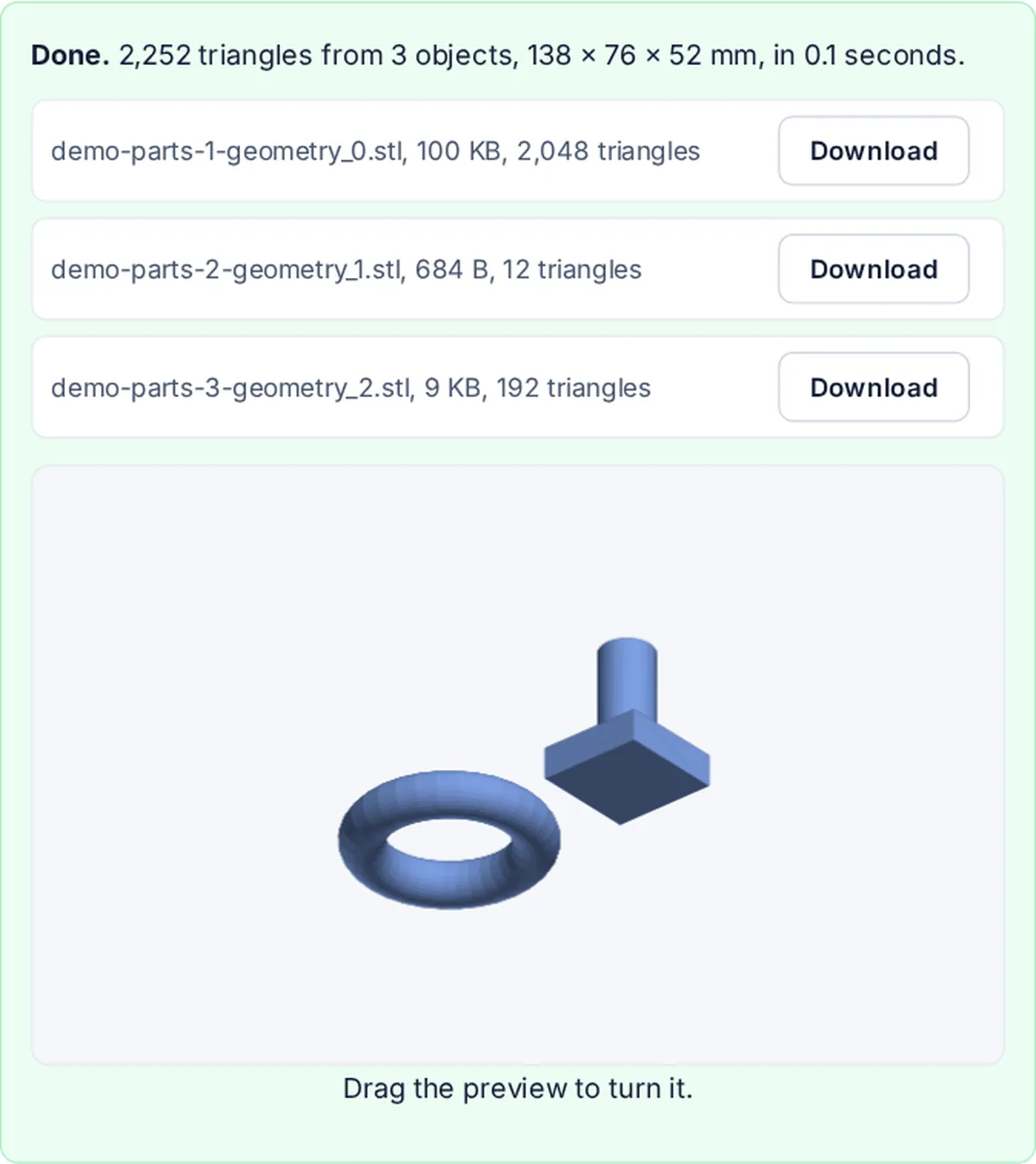
One STL with every object, or one STL per object.
-
Step 3
Download
Check the preview, then download the STL.
What is kept
The shape of every object, where the 3MF put it.
- Every objectEach build item, with its move, turn and scale.
- Parts of an assemblyComponents, including meshes in other files of the 3MF.
- SizeConverted to millimetres from inch, cm, m or micron files.
- MeshThe same triangles, written as binary STL.
What STL leaves out
STL holds only the shape. Colours, materials, print settings and the names of plates are not part of an STL, so they are not in the file. Items marked not printable are left out.
3MF and STL
3MF is a zip with the model as XML, made by slicers and 3D apps. STL is a list of triangles that almost every 3D printing and CAD tool reads.
FAQ
Common questions
How do I convert 3MF to STL?
Choose the .3mf file at the top of this page, pick one STL or one per object, and press Convert to STL. Then download the file.
Is my model uploaded?
No. The 3MF is unzipped and converted inside your browser tab, and the STL is made there too.
Are colours and print settings kept?
No. STL stores only the shape, so colours, materials and slicer settings cannot be carried over.
What units is the STL in?
Millimetres. A 3MF in inches, centimetres, metres or microns is converted, so a 1 inch cube comes out 25.4 mm wide.
Can I get each object as its own STL?
Yes. Choose One STL per object. With several objects you can download them one by one or in one zip.
Related tools