For job seekers
Share your resume as a link. Know when recruiters open it.
Upload your resume or CV and get one link that opens on any phone or laptop. Paste it into an application, a Google Form or a LinkedIn message, and get an email when it is opened.
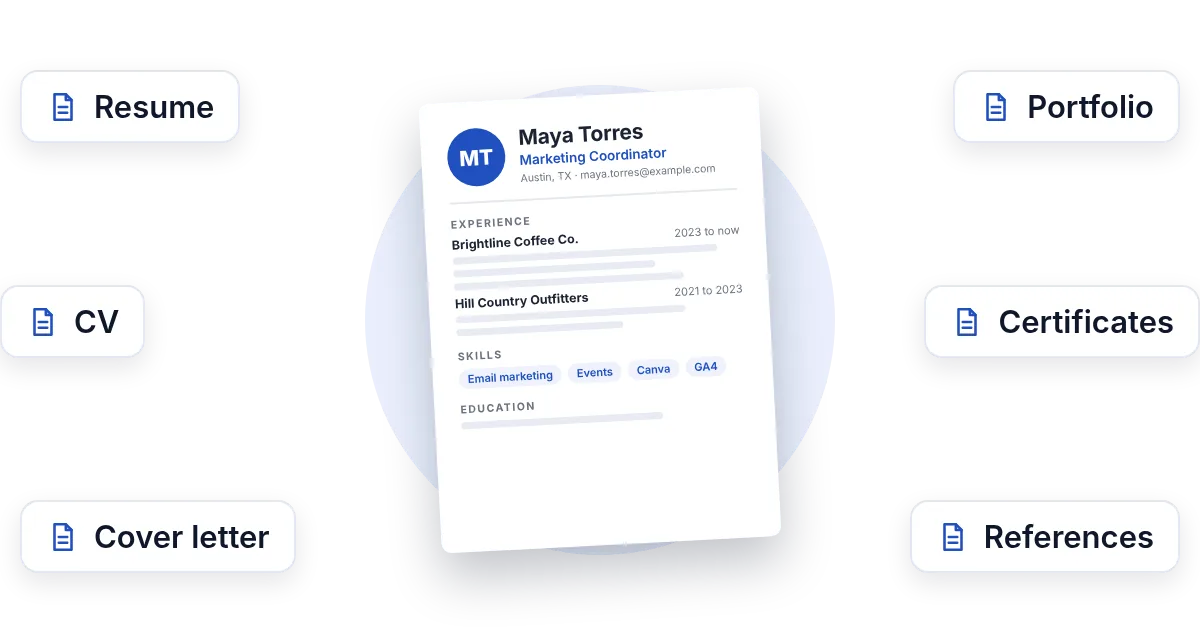
- One link that opens anywhereNo download, no app, no account for the recruiter.
- Know when it is openedAn email the moment a recruiter opens your resume.
- Update it, same linkFix a typo or add a job; the link you sent opens the new version.
Uploading. Keep this page open.
Where should the code go?
File uploaded. Enter your email to get your link.
Enter the code
Sent to . It expires in 10 minutes.
Your link is ready
Free: every feature on 3 links, including who opened it and time on each page.
Opening it from here does not count as an open.
See when it is seenYour private stats page. Keep it to yourself: anyone with it can see the stats.Both links are in your email too. Upgrade to Pro.
FileSeen turns a resume or CV into a link that opens in any browser. Paste it into a job application, a Google Form, LinkedIn or an email, get an email when a recruiter opens it, and update the file without sending a new link.
How to share your resume as a link
From PDF to a link in under a minute
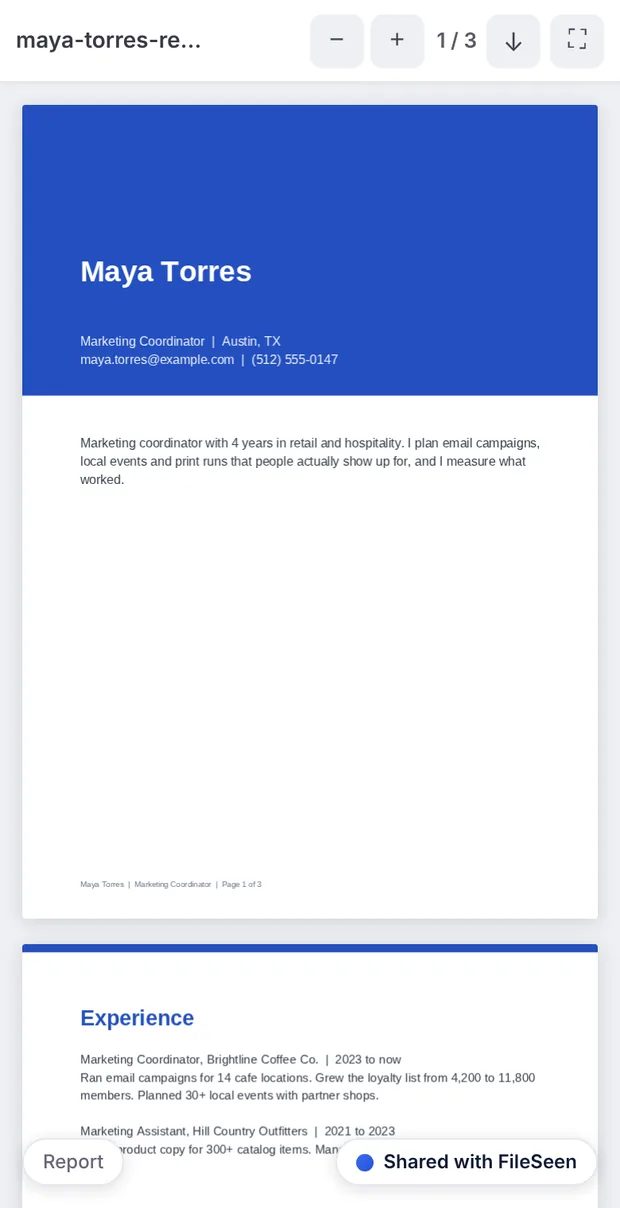
Works the same for a CV, a cover letter or a portfolio.
-
Step 1
Upload your resume
A PDF keeps your layout exactly. Word files open in the browser too (Free).
-
Step 2
Copy the link
Paste it into an application form, a Google Form, a LinkedIn message or your email signature.
-
Step 3
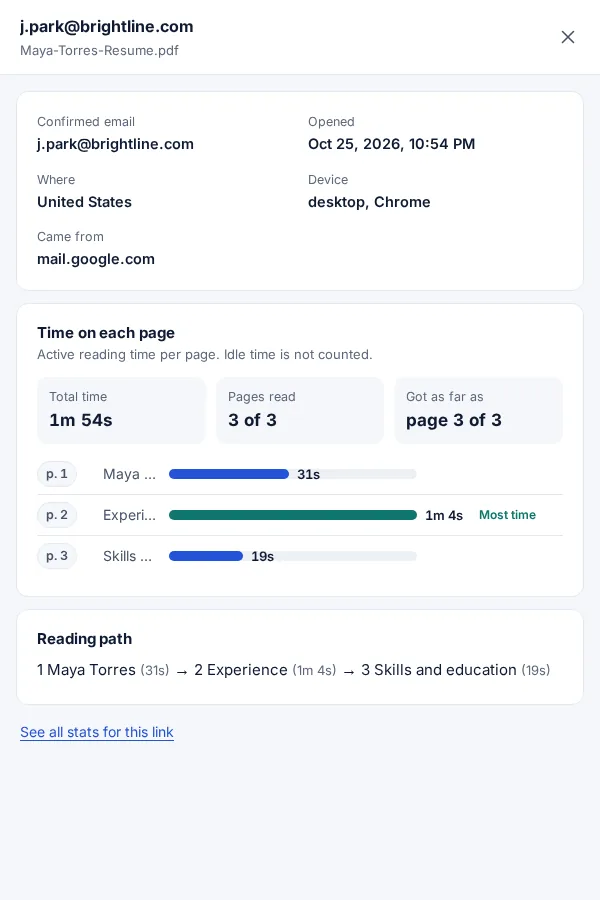
See when it is opened
An email on every open, with the time on each page.
Where to use your resume link
- Application forms that ask for a "resume link" or a portfolio URL.
- Google Forms: paste the link into the answer box when a form asks for your resume and has no upload button.
- LinkedIn messages to a recruiter or a hiring manager, where an attachment is easy to miss.
- Email instead of a large attachment, or next to it.
- A printed resume: add a resume QR code that opens your portfolio or the latest version.
- Your email signature or profile, so the newest version is always one click away.
If a job portal asks you to upload the file, upload it there as asked: applicant tracking systems read the uploaded file. Use the link in your message to the recruiter as well.
Attachment, Drive link or FileSeen link
| Attachment | Drive link | FileSeen link | |
|---|---|---|---|
| Know when it is opened | No | No | Yes, an email on every open |
| Pages read and for how long | No | No | Yes |
| Opens with no account or request | Yes | Only if sharing is set right | Yes |
| Update it after sending | No: they keep the old file | Yes | Yes, same link |
| Stop it later | No | Yes | Yes: expiry or switch off |
Tips for a resume link that gets read
- Name the link after yourself. Set the link name to something like maya-torres-resume, so it looks tidy in a form.
- Keep the email check off when you send it to someone new. A recruiter should not have to type a code; you still see each open, the time on each page and the country.
- One link per company. Upload the same resume again for each application to see which company opened it. The free plan covers 3 links.
- Update instead of resending. Replace the file at the same link when you add a job or fix a typo. Readers see a small note that it was updated.
- Follow up when it is read. An open, and time on the experience page, is a good moment for a short follow-up message.
FAQ
Resume link questions
How do I create a link for my resume?
Upload your resume PDF at the top of this page, confirm your email with the 6-digit code, and copy the link. It opens in any browser, on any phone or computer.
How do I share my resume as a link in a Google Form?
Copy your FileSeen link and paste it into the form's answer box. Anyone who opens the link sees your resume, with no Google account or access request.
Will I know if a recruiter opened my resume?
Yes. You get an email when the link is opened, and the stats page shows the time on each page and the country. A name shows only if the reader confirmed an email.
Can I update my resume without sending a new link?
Yes. Replace the file in the link settings and the same link opens the new version.
Should I attach my resume or send a link?
Do what the application asks. If it wants an upload, upload the file. In emails and messages, a link avoids attachment limits and lets you see when it is read.
Can the recruiter download my resume?
PDFs open view-only by default. Turn downloads on in the link settings if recruiters should be able to save a copy, which most expect.
Is it free?
Yes. The free plan has every feature on 3 links, with no time limit. Deleting a link does not free a slot.
Who uses FileSeen