For accountants
Send tax returns and client documents safely. Know when they are opened.
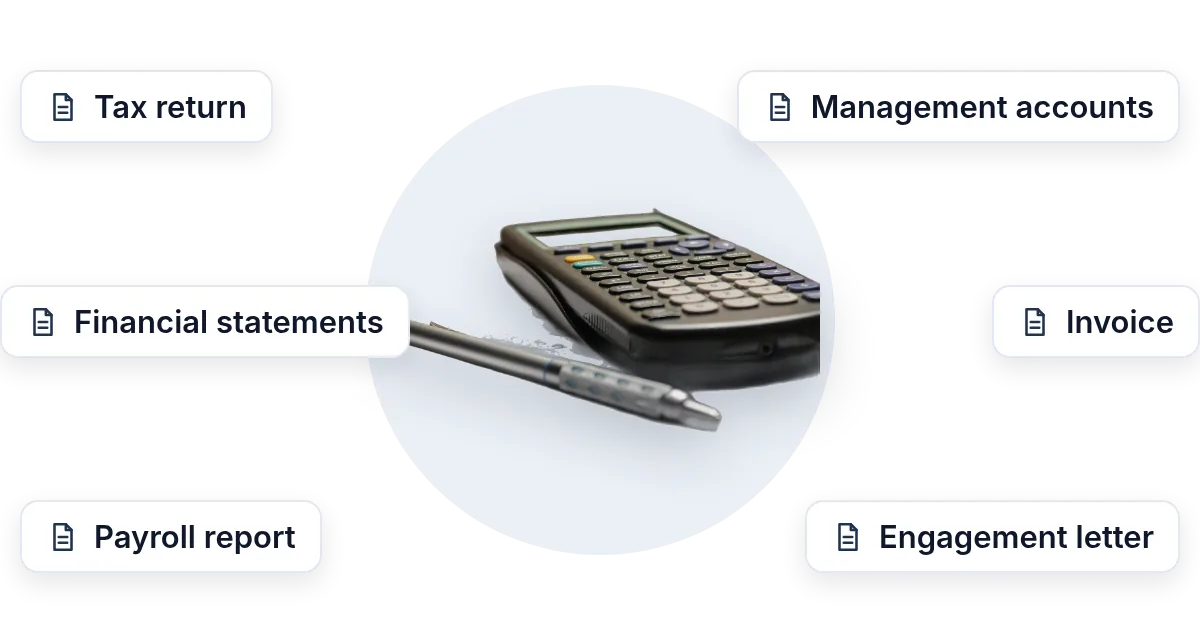
Tax returns, financial statements, payroll reports, invoices: send any of them as a protected link instead of an email attachment. You get an email when your client opens it.
- Protect itA password, an expiry date, and view-only.
- Know when it is openedAn email the moment your client opens it.
- Stay in controlSwitch the link off at any time. Nothing sits in an inbox.
Uploading. Keep this page open.
Where should the code go?
File uploaded. Enter your email to get your link.
Enter the code
Sent to . It expires in 10 minutes.
Your link is ready
Free: every feature on 3 links, including who opened it and time on each page.
Opening it from here does not count as an open.
See when it is seenYour private stats page. Keep it to yourself: anyone with it can see the stats.Both links are in your email too. Upgrade to Pro.
FileSeen lets accountants send any client document as a protected link: tax returns, financial statements, payroll reports and invoices. Add a password and an expiry date, limit it to the client's email, and get an email when the client opens it.
Tax documents do not belong in an inbox forever
The IRS guide for tax professionals, Publication 4557, says to send only password-protected and encrypted documents if you must share files with clients by email. A plain attachment is neither, and it stays in two mailboxes for years.
- Send a link instead: the file stays on FileSeen, not in the client's inbox.
- Add a password and an expiry date, and switch the link off at any time.
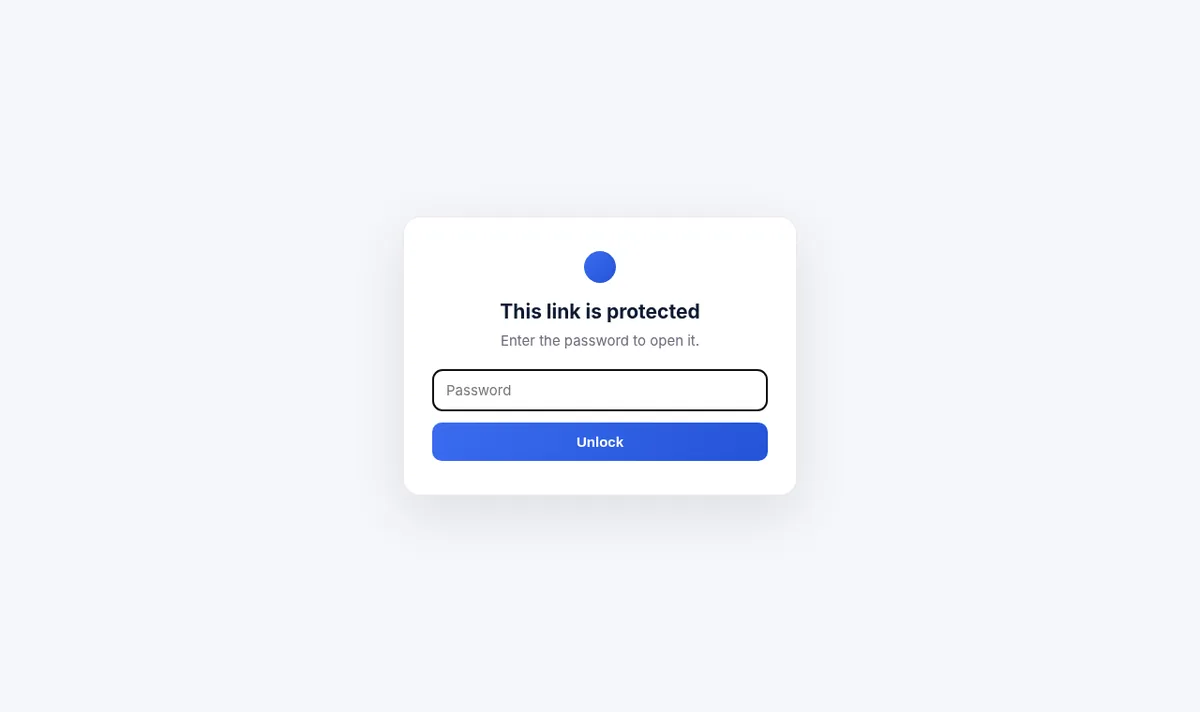
- Limit it to the client's email address, confirmed with a one-time code.
- Get an email when the client opens it.
How accountants share client documents
Protect it, send it, know it was read
Set the protection once; it applies to everyone who opens the link.
-
Step 1
Upload the document
Statements, a tax return, management accounts or a payroll report, as PDF, Excel or Word (Free).
-
Step 2
Lock it down
A password, an expiry date, view-only and only listed people, such as the client's own email.
-
Step 3
Send the link
Email the link and give the password another way, by phone or text.
-
Step 4
Know when it was opened
An email when the client opens it, so the follow-up for the signature is on time.
The protection client documents need
All of these are on the free plan, for 3 links.
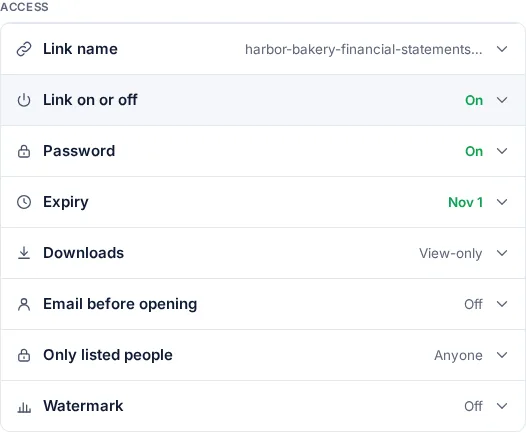
- Password and expiry: the link stops working on the date you set.
- Only listed people with the email check: only the client's address can open it.
- Email watermark: the reader's email and the date on every PDF page.
- View-only or downloads on: read-only for drafts, downloadable for the final copy.
- Many files in one link: the return, the statements and the engagement letter behind one link.
- Delete a link: remove it when the engagement ends.
Need the file itself encrypted too?
A FileSeen password protects the link. If the client must keep a copy, the free password protect PDF tool encrypts the PDF itself in your browser, so the downloaded file still needs the password. Many files at once? Use the password-protected ZIP tool.
A protected link or an email attachment
| Email attachment | FileSeen link | |
|---|---|---|
| Password | Only if you encrypt the file yourself | Yes, on the link |
| Change or stop it after sending | No: the copy is theirs | Replace the file, set an expiry or switch the link off |
| Know when it is opened | No | Yes, an email on every open |
| Who opened it | No | Yes, with the email check or one link per person |
| Large files | About 20 to 25 MB, set by the mail provider | Up to 95 MB |
When FileSeen fits, and when it does not
A good fit
- Accountants, CPAs, bookkeepers and tax preparers sending documents to clients.
- Statements and returns that should expire and be read, not kept in an inbox.
- Small practices that want a link in minutes, with no portal to set up.
Not the right tool
- Collecting documents from clients: FileSeen shares files out, it is not a client portal.
- E-signatures on the return or the engagement letter: use your e-signature tool.
- Detecting forwarding: FileSeen names confirmed readers, not forwards.
FAQ
Questions from accountants
What is the most secure way to send tax documents to a client?
Send a link with a password, an expiry date and access limited to the client's email, and give the password by phone or text. If the client must keep a copy, encrypt the PDF itself with a password before sharing.
Is it safe to email tax returns?
A plain attachment is not password protected or encrypted, and it stays in both mailboxes. The IRS tells tax professionals to send only password-protected and encrypted documents if they use email (Publication 4557).
Can I limit a link to one client?
Yes. Add the client's email to Only listed people. The client confirms the address with a one-time code and anyone else is turned away.
Will I know when the client opened the documents?
Yes. You get an email when the link is opened, and the stats page shows the reading time and the time on each page.
Is FileSeen a client portal for accountants?
No. FileSeen sends documents to clients as links; it does not collect uploads from them. For a document request workflow, use a client portal.
Is FileSeen free for accountants?
The free plan has every feature on 3 links, with no time limit. Deleting a link does not free a slot. Pro is $12 a month or $99 a year for unlimited links.
Who uses FileSeen